
Split Any Image into Layers in One Click | Image To Layers
AI-powered object separation. Extract individual elements from a single photo and download as fully layered PSDs or transparent PNG/JPG ZIPs.
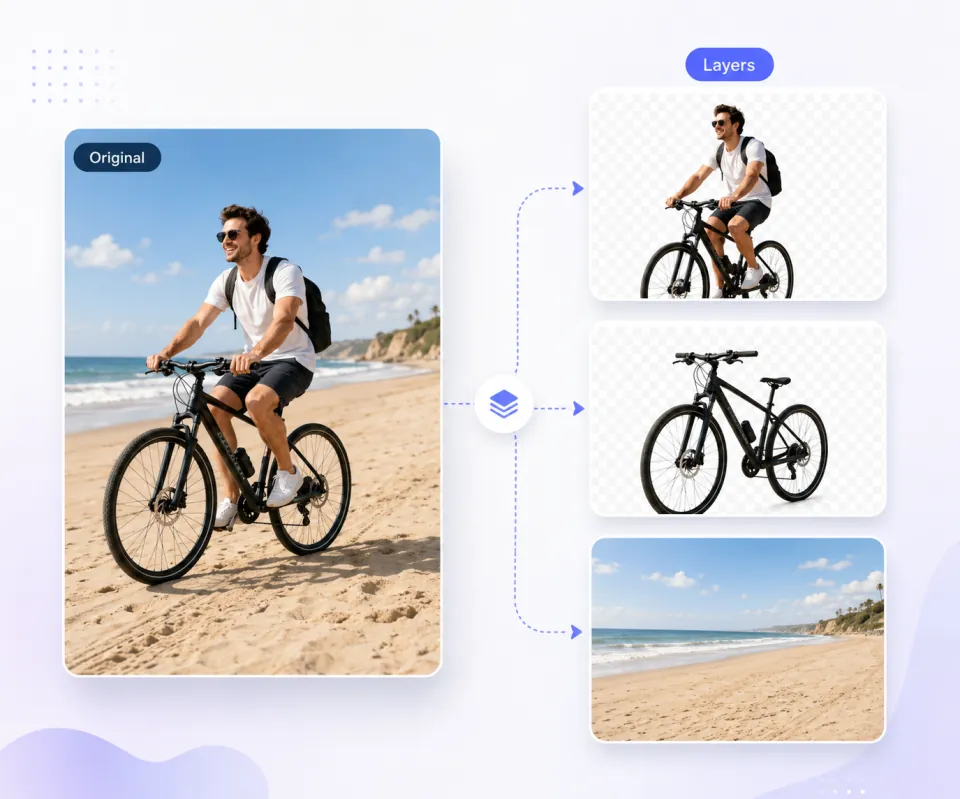
Separate a flat image into transparent layers that can be edited without affecting the rest of the scene.
Move, resize, recolor, delete, or replace isolated people, objects, text, and backgrounds.
Download the generated layers and continue editing in image tools that support RGBA or layered files.
Decompose Photos into Editable RGBA Layers

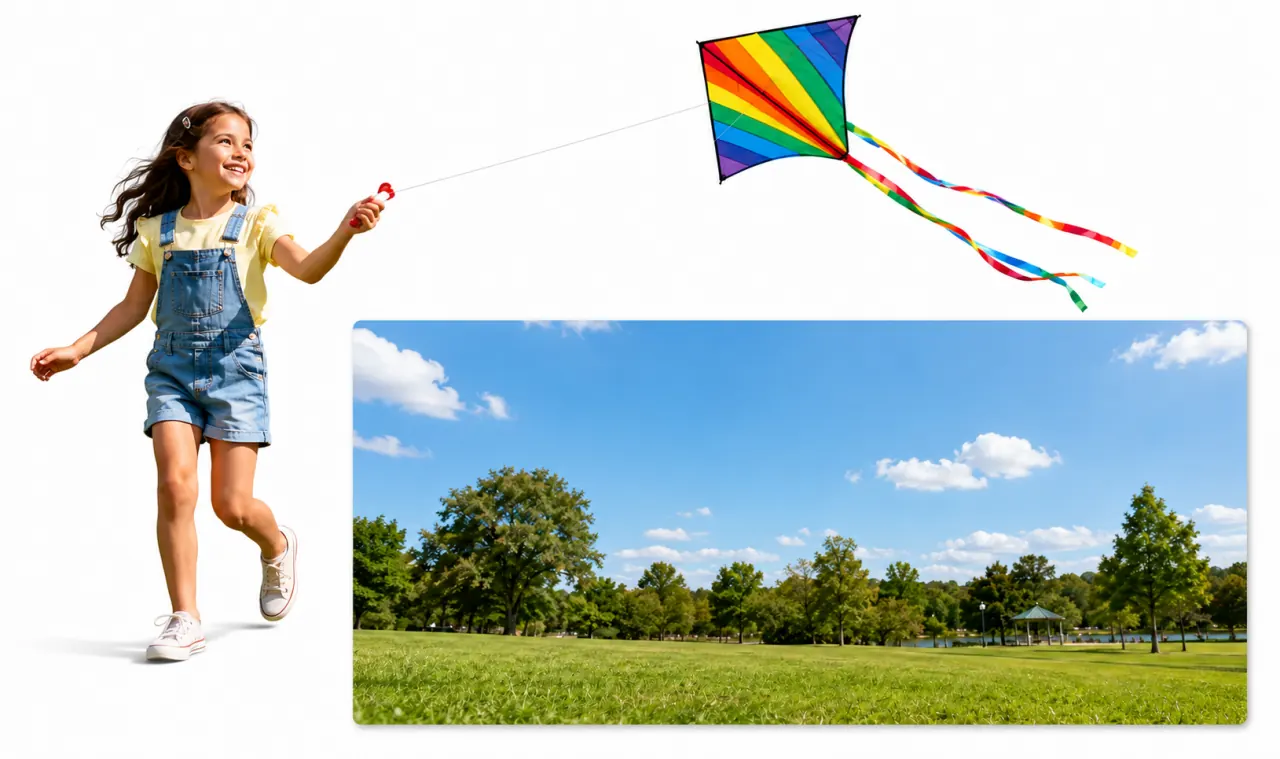
What You Can Do with Image to Layer
Use isolated layers for design iteration, content creation, photo editing, and reusable templates.
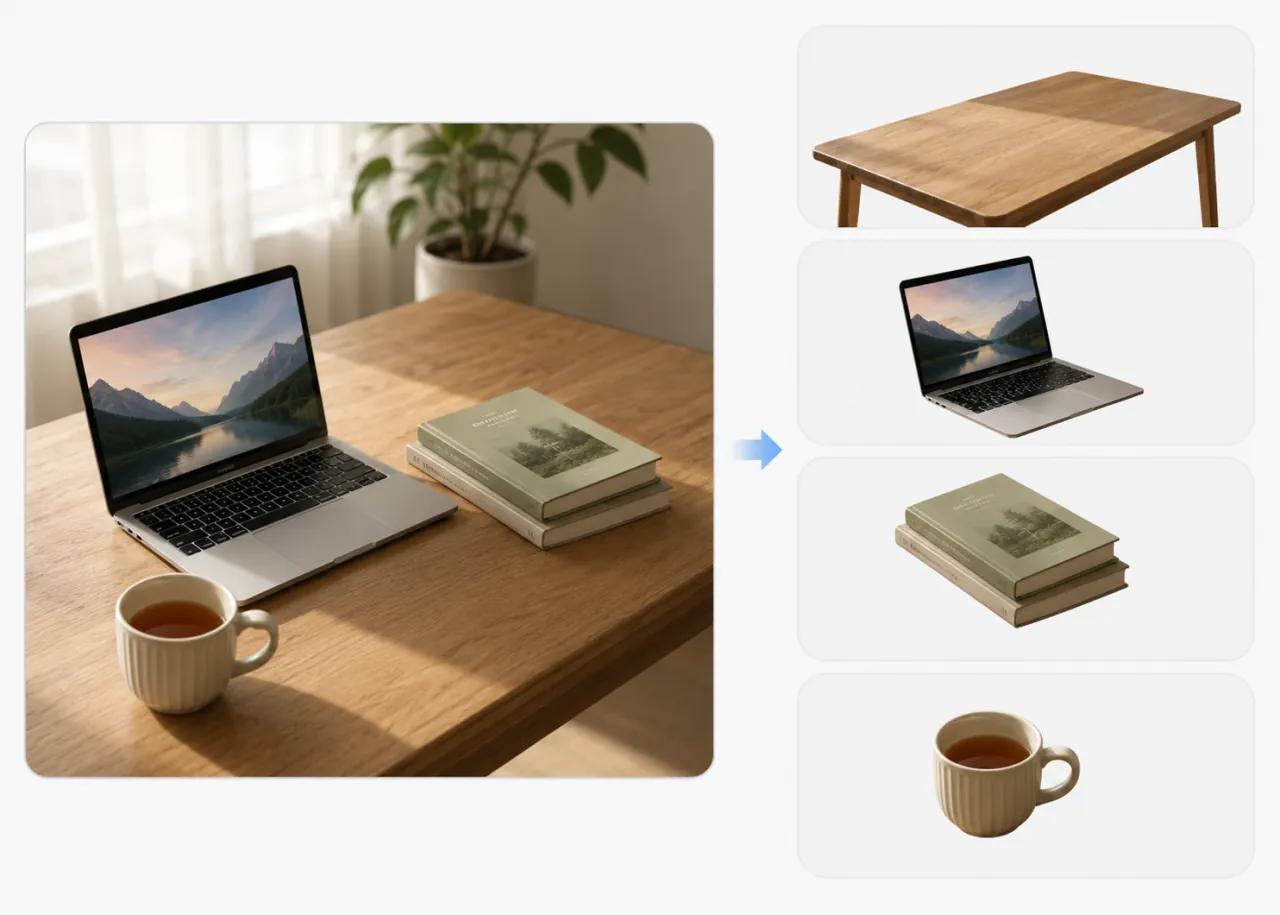
Turn One Image into Editable RGBA Layers
Break a single flat image into transparent layers for foreground subjects, objects, text, and backgrounds.
Try Image to Layer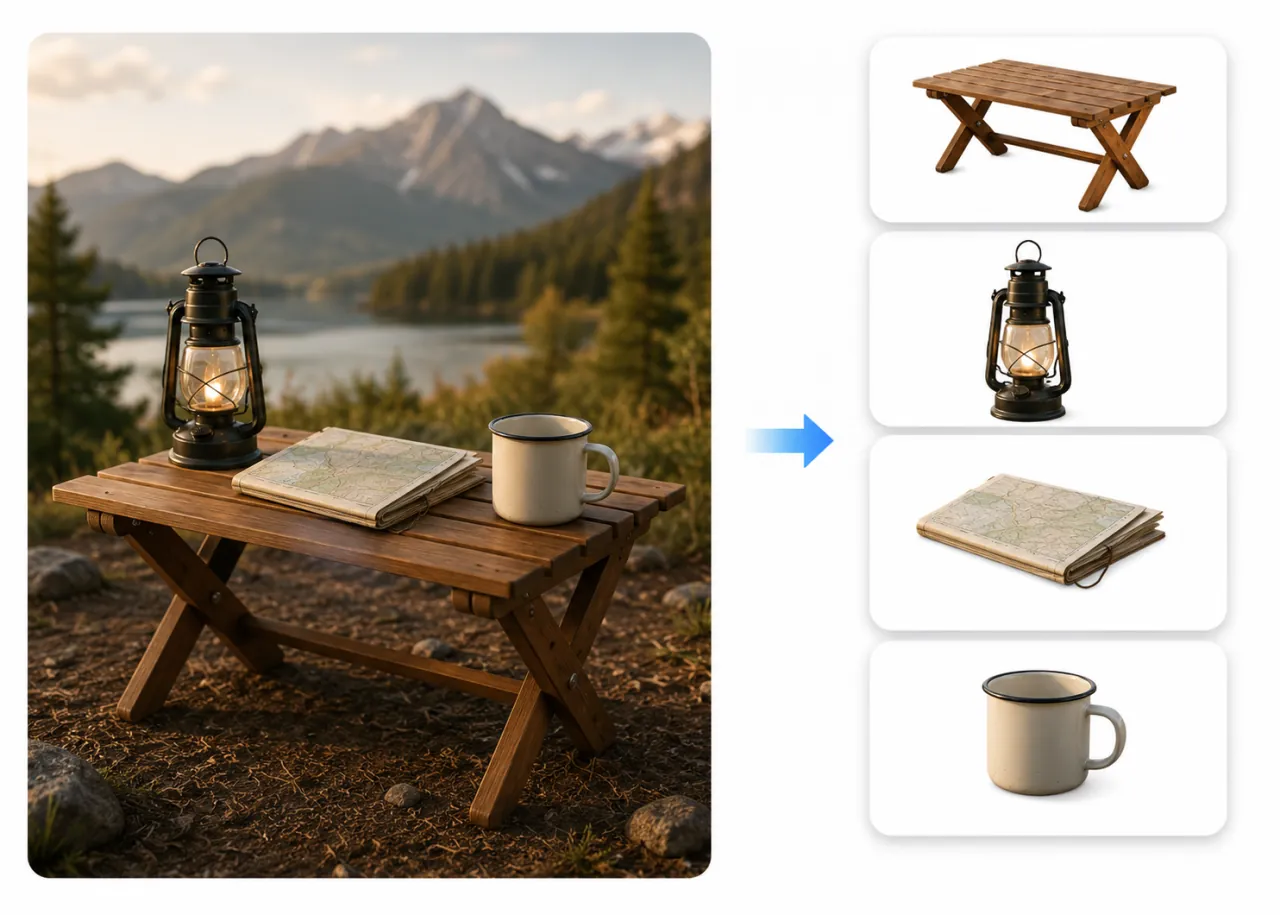
Move, Resize, and Recolor Individual Elements
Adjust one isolated layer at a time so object placement, scale, or color changes do not affect the rest of the image.
Upload an Image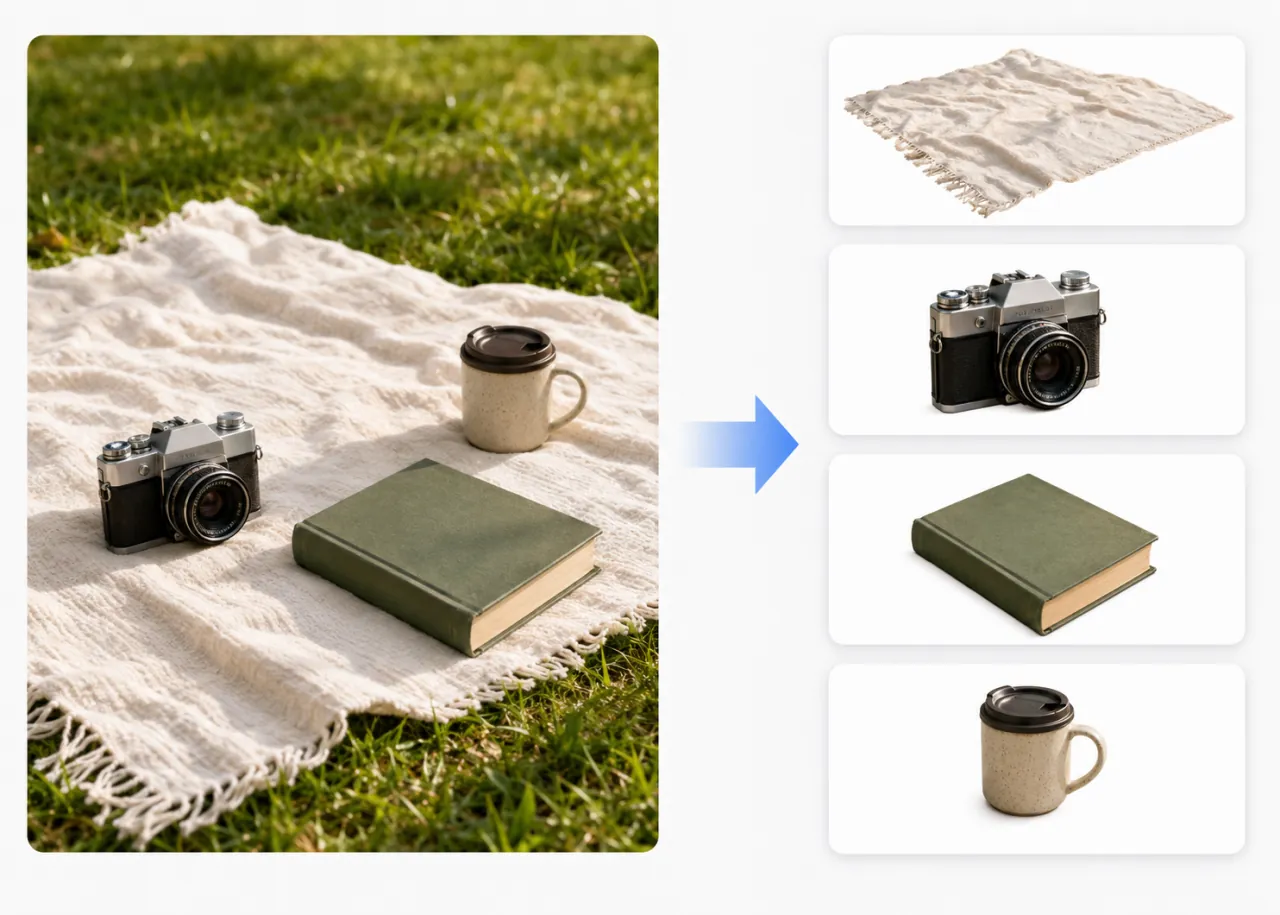
Edit People, Objects, and Text
Isolate people or objects, edit text while keeping the design intact, or remove unwanted elements with less manual masking.
Try to Convert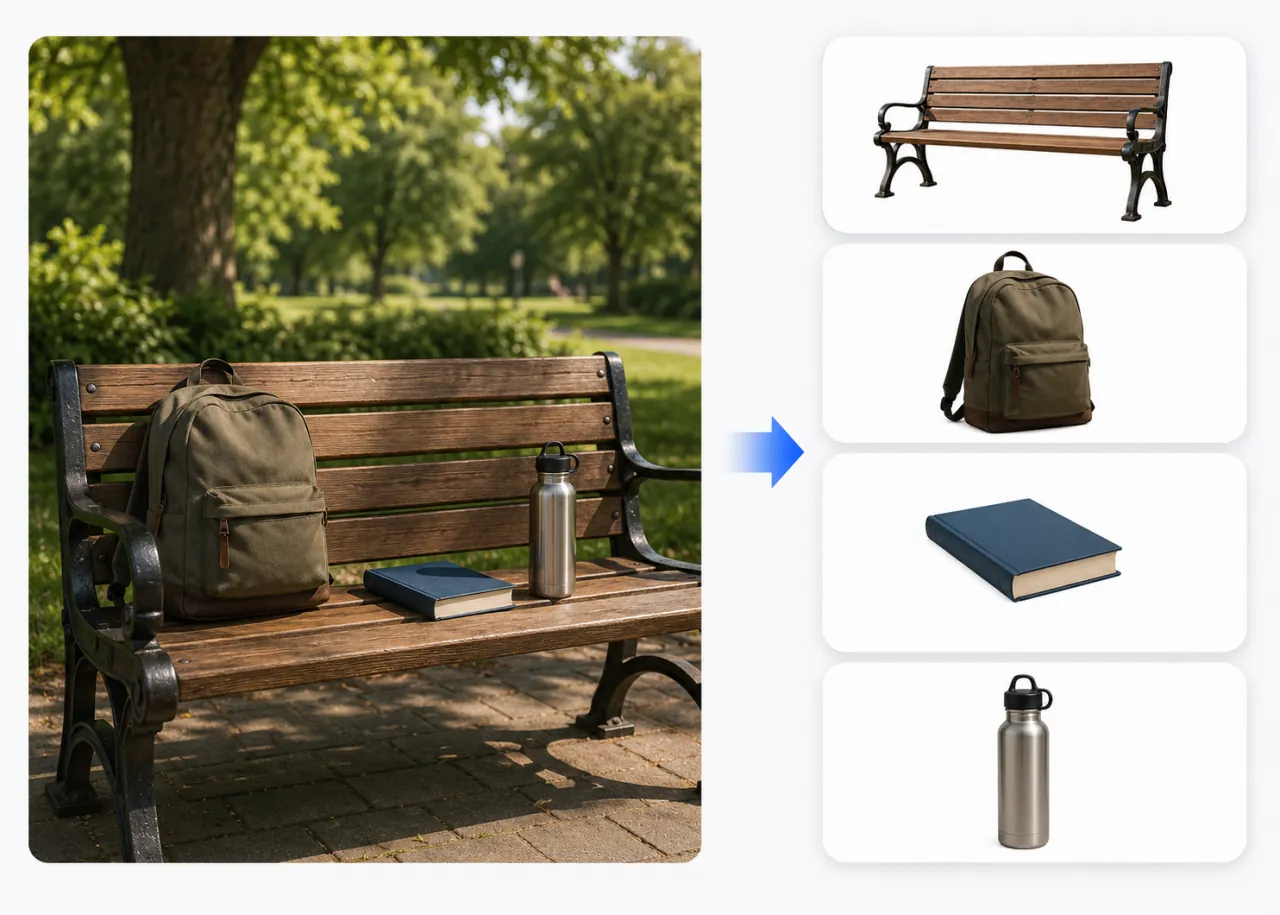
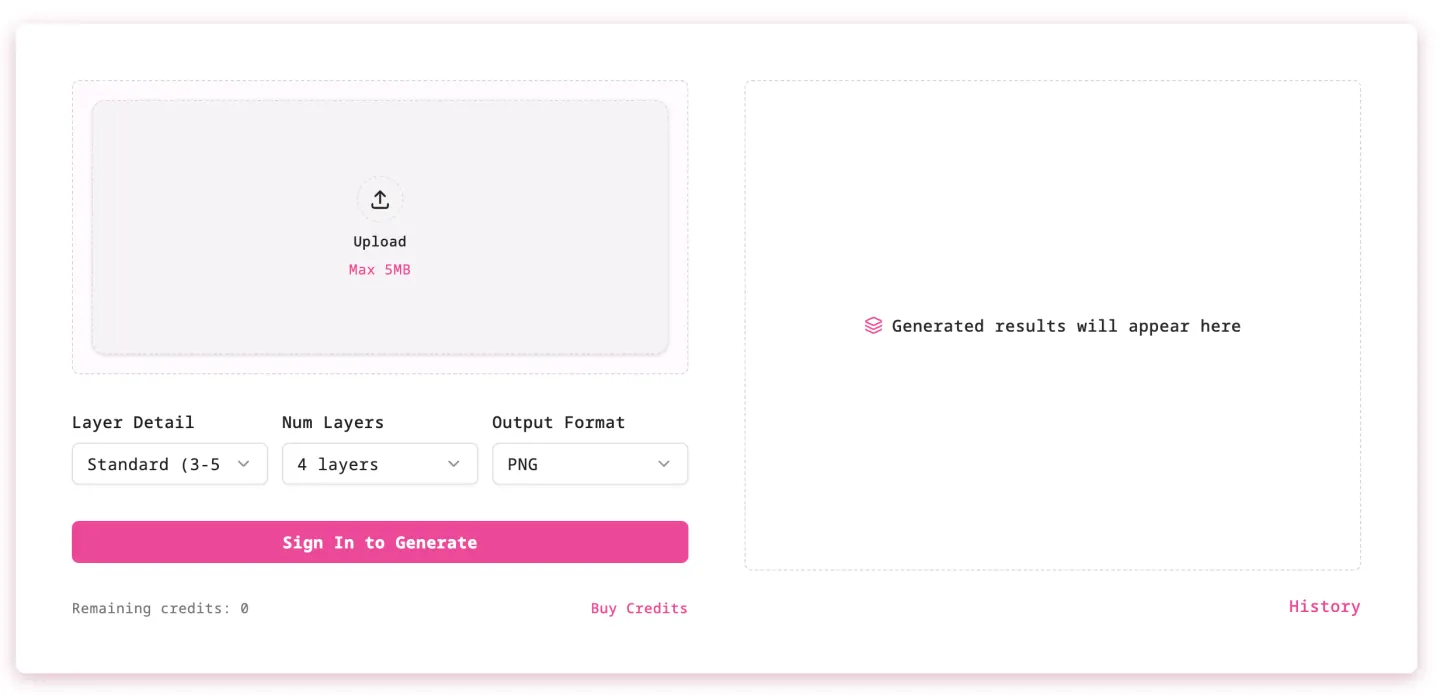
Choose Flexible Layer Detail
Start with a few main layers for simple images, or use more layers for complex scenes with many distinct objects.
Start LayeringHow to Decompose an Image into Editable Layers
Ready to decompose your first image?
Upload one image and turn it into editable RGBA layers for faster design iteration, content creation, and photo editing.
Pricing
Choose a monthly Image to Layer plan for AI RGBA layer decomposition.
Starter
Includes
- 100 credits/month
- AI image layer decomposition
- PNG and PSD downloads
Standard
Includes
- 900 credits/month
- AI image layer decomposition
- PNG and PSD downloads
- Better value for frequent use
Premium
Includes
- 3000 credits/month
- AI image layer decomposition
- PNG and PSD downloads
- Best value for heavy use
FAQs
1How does Image to Layer turn a flat image into editable layers?
Image to Layer is an independent interface built on top of third-party AI models. It sends your uploaded image and selected options to integrated providers to separate people, objects, text, and backgrounds into editable RGBA layers.
2Do I need professional design skills?
No. Upload your image, choose the layer detail, and generate. The output is designed to make later editing easier in tools such as Photoshop, Figma, or other editors that support RGBA or layered files.
3Can I edit each layer independently?
Yes. After decomposition, you can move, resize, recolor, delete, replace, or adjust individual layers without changing the rest of the image.
4What images work best?
Images with clear subjects, visible object boundaries, and well-defined backgrounds usually produce the cleanest layered results. Use more layers for complex scenes with many distinct objects.
5Which model powers the homepage converter?
The homepage converter currently integrates Replicate's qwen/qwen-image-layered model for image decomposition. Image to Layer is an independent product and is not affiliated with, endorsed by, or sponsored by Replicate, Qwen, Alibaba, or the model creators.