
ShipAny Blog
Blog
Read latest product features, solutions, and updates.
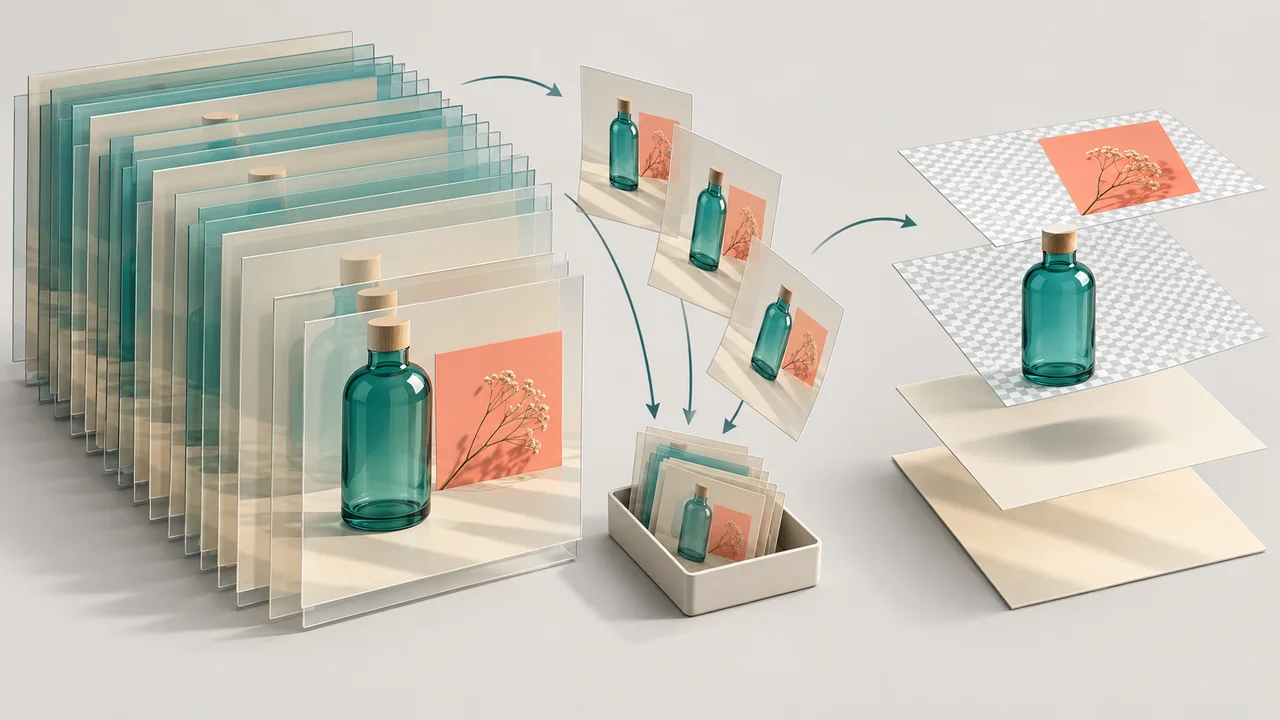
Reduce File Size After Image to PSD Conversion While Keeping Layers
Make a converted PSD easier to share by removing unnecessary content, preserving essential editable layers, and checking the saved handoff file.
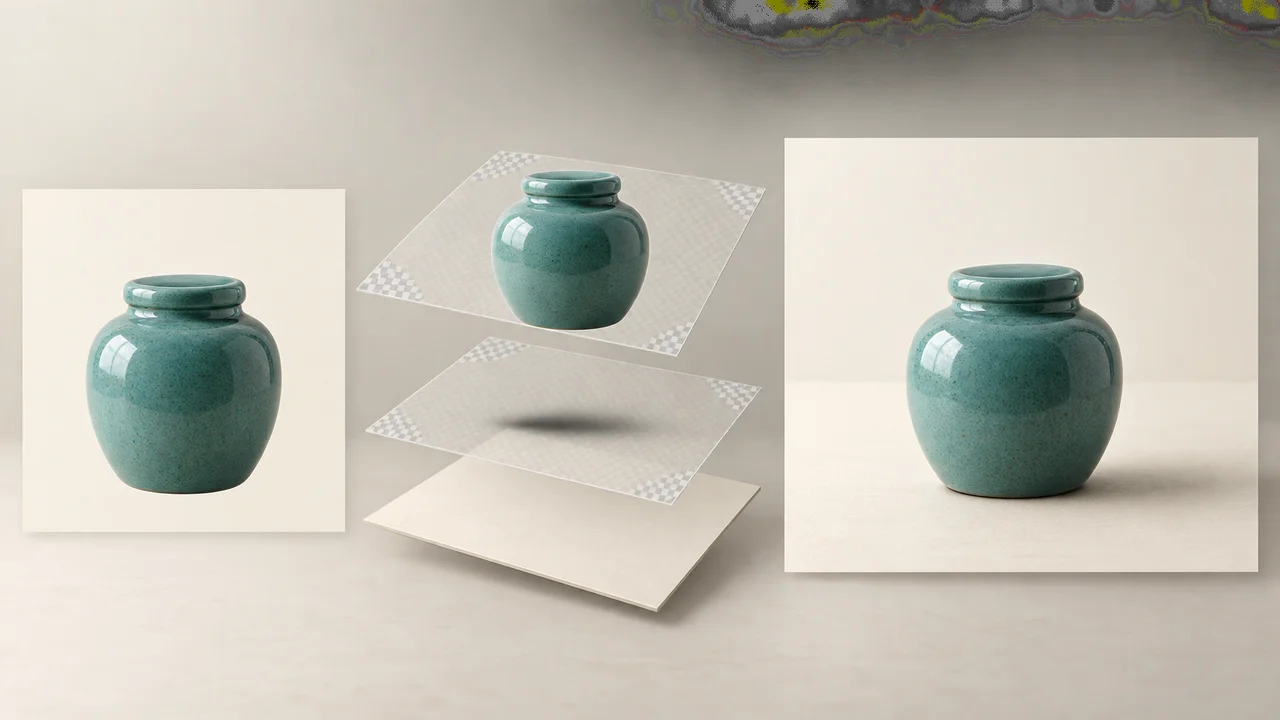
Add a Contact Shadow After Extracting an Object from an Image
Make an extracted product feel grounded with a separate contact shadow in Photoshop. Check existing shadows, paint the contact area, and refine its softness.
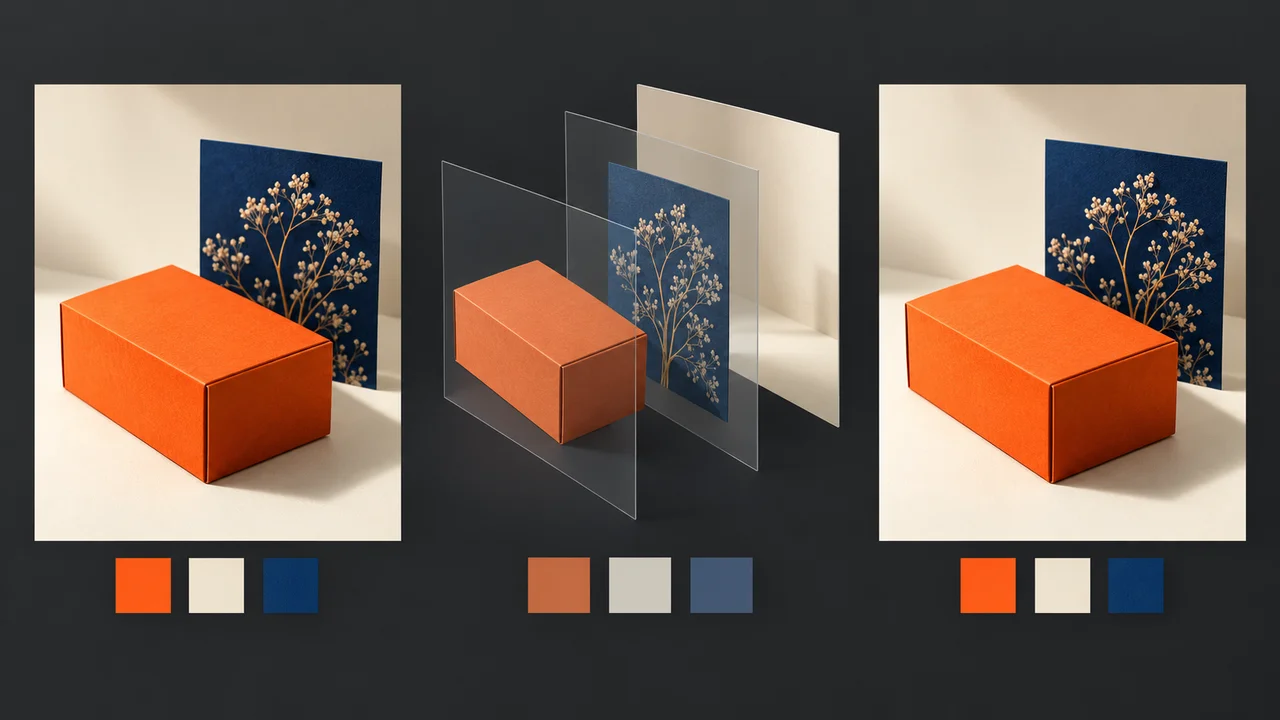
Why Colors Change After Image to PSD Conversion
Diagnose unexpected color shifts after image to PSD conversion by checking profiles, proof settings, layer blending, and exported files in Photoshop.
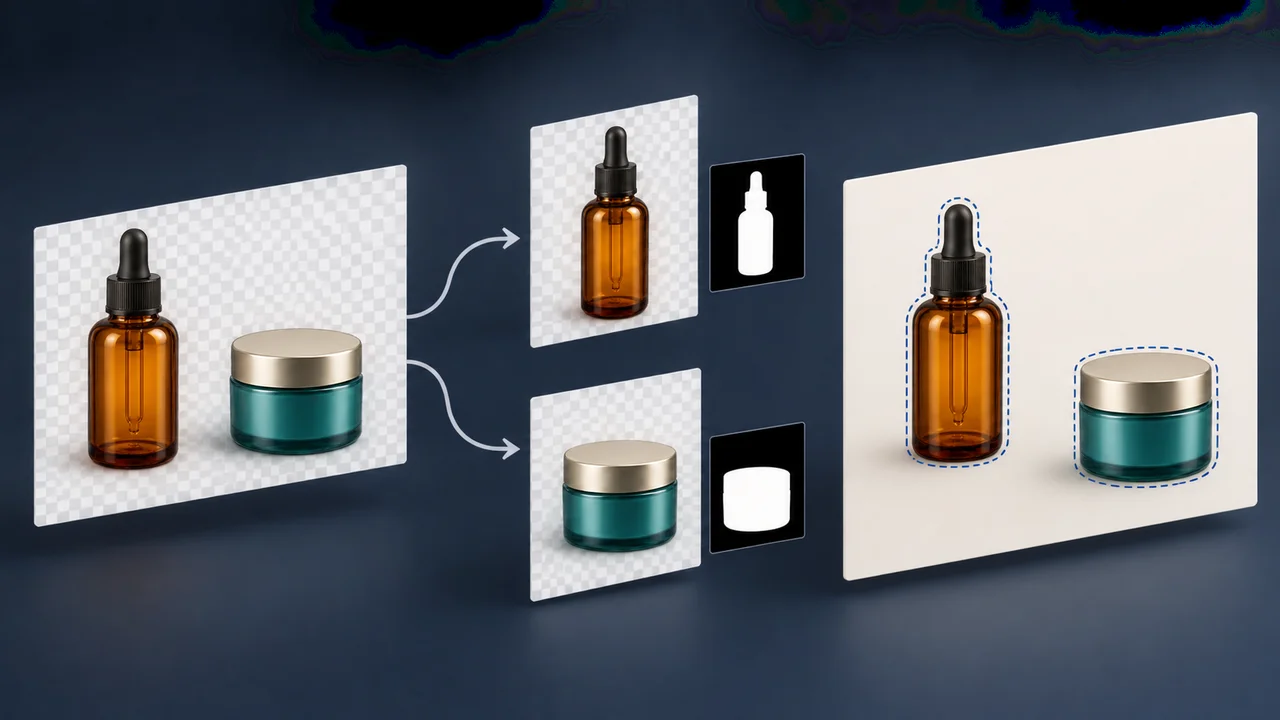
Separate Two Objects on the Same Layer After Image to PSD Conversion
Split two objects that share a converted PSD layer using reversible Photoshop masks, check independent movement, and handle incomplete overlapping objects.
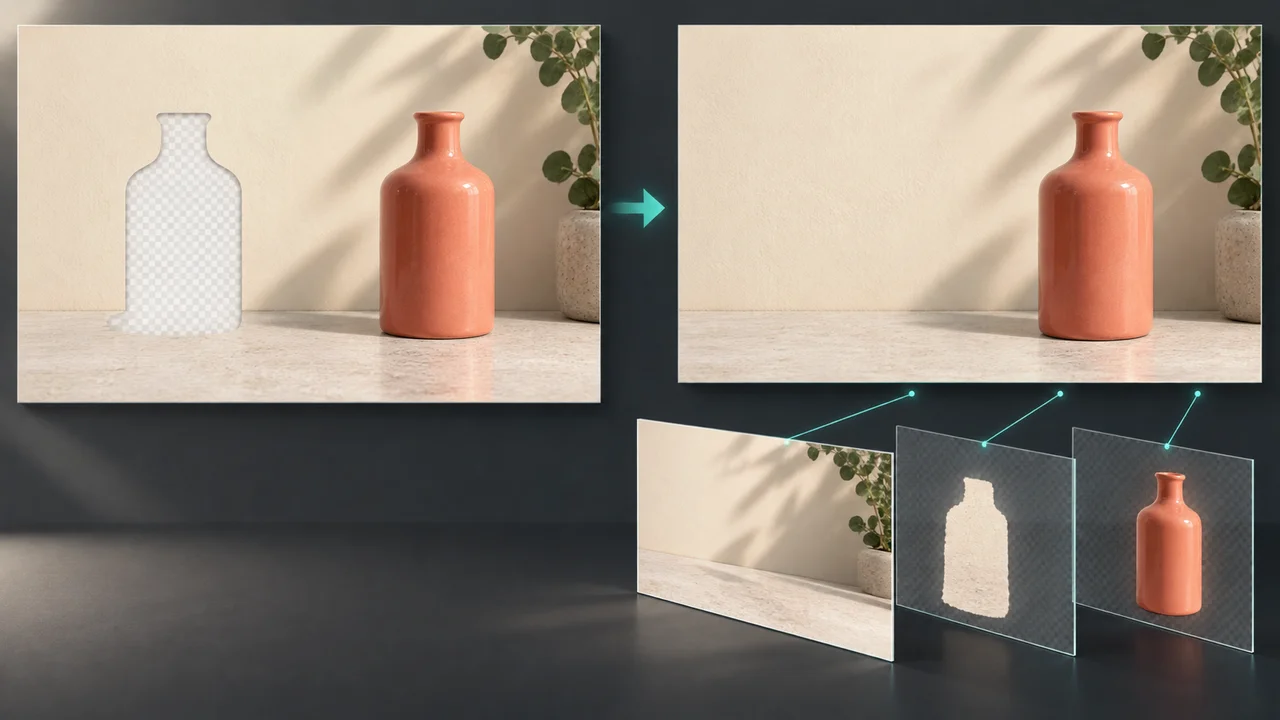
Fix Background Holes After Moving Objects in a Converted PSD
Repair gaps and leftover objects exposed when rearranging a converted PSD, with background checks and a controlled Photoshop Content-Aware Fill workflow.
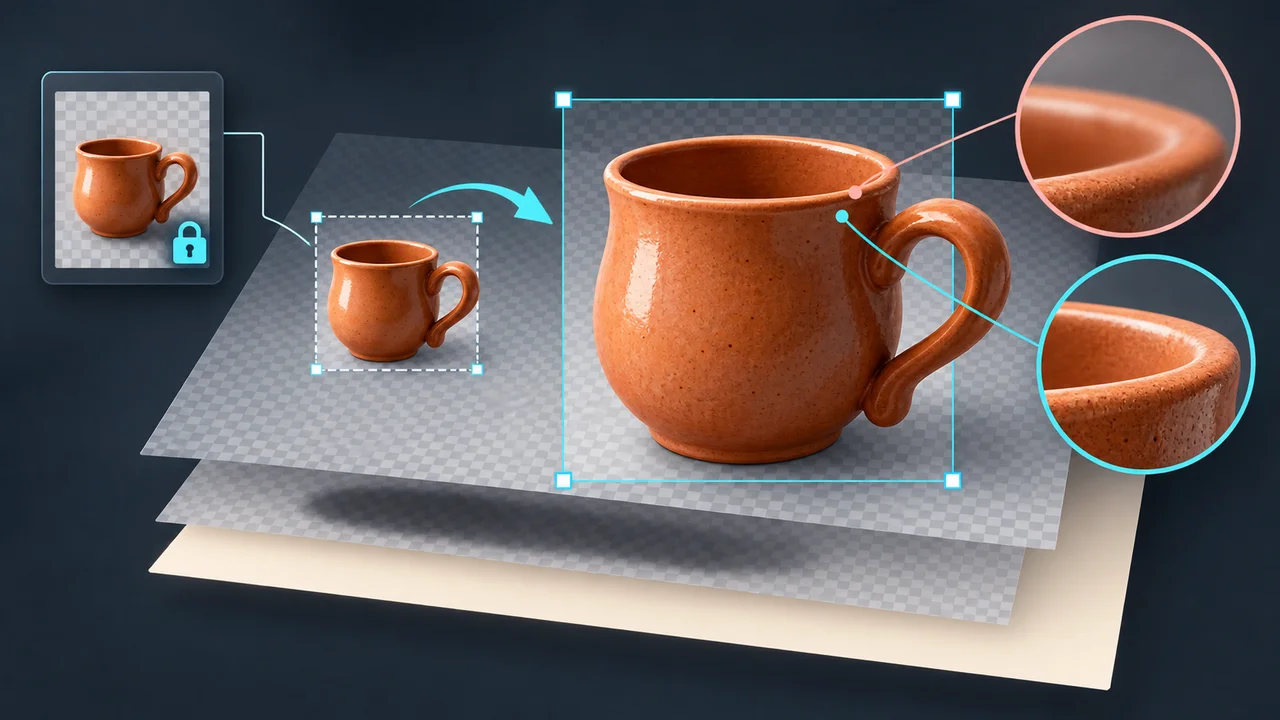
How to Resize an Object After Image to PSD Conversion Without Blur
Prevent avoidable blur when resizing an extracted object in Photoshop. Preserve source pixels, use Smart Objects, and check realistic enlargement limits.
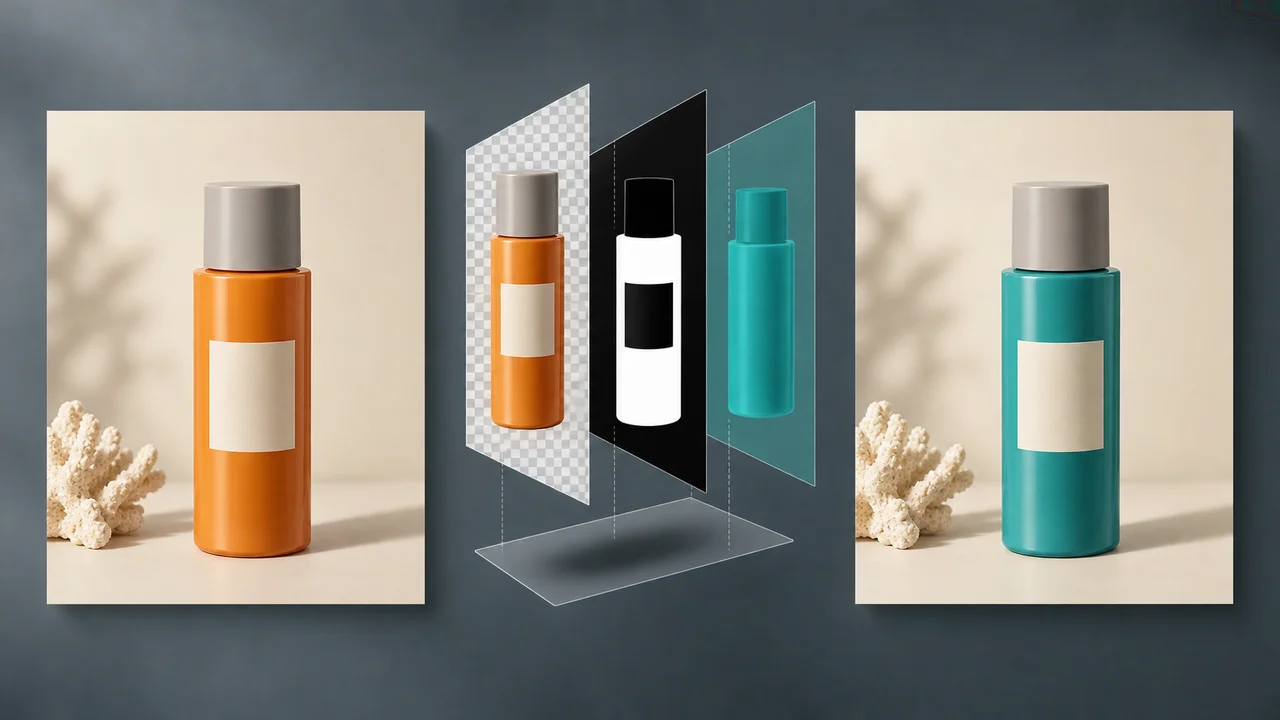
How to Recolor One Object After Image to PSD Conversion
Recolor an isolated object in Photoshop with a clipped adjustment layer, protect labels and highlights, and troubleshoot unwanted background color changes.
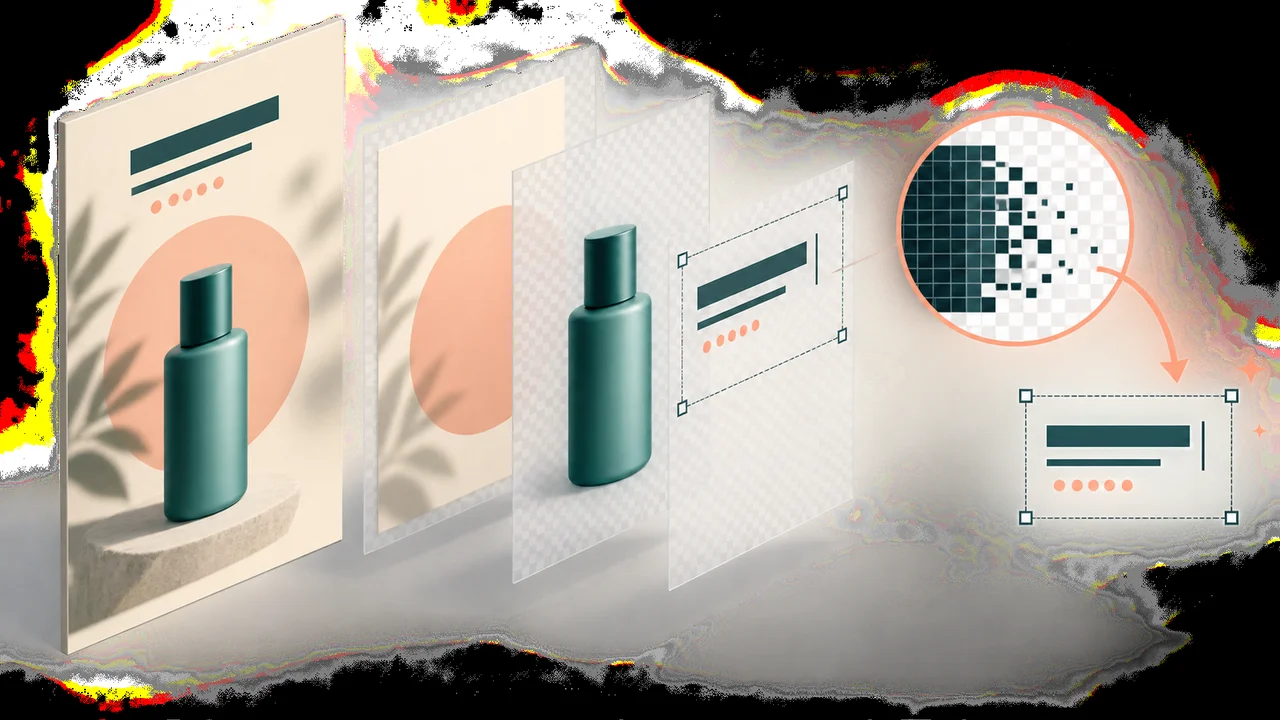
Why Text Is Not Editable After Image to PSD Conversion
Learn why converted PSD text can remain pixels, how to check your layers, and how to rebuild an editable headline without leaving old lettering behind.
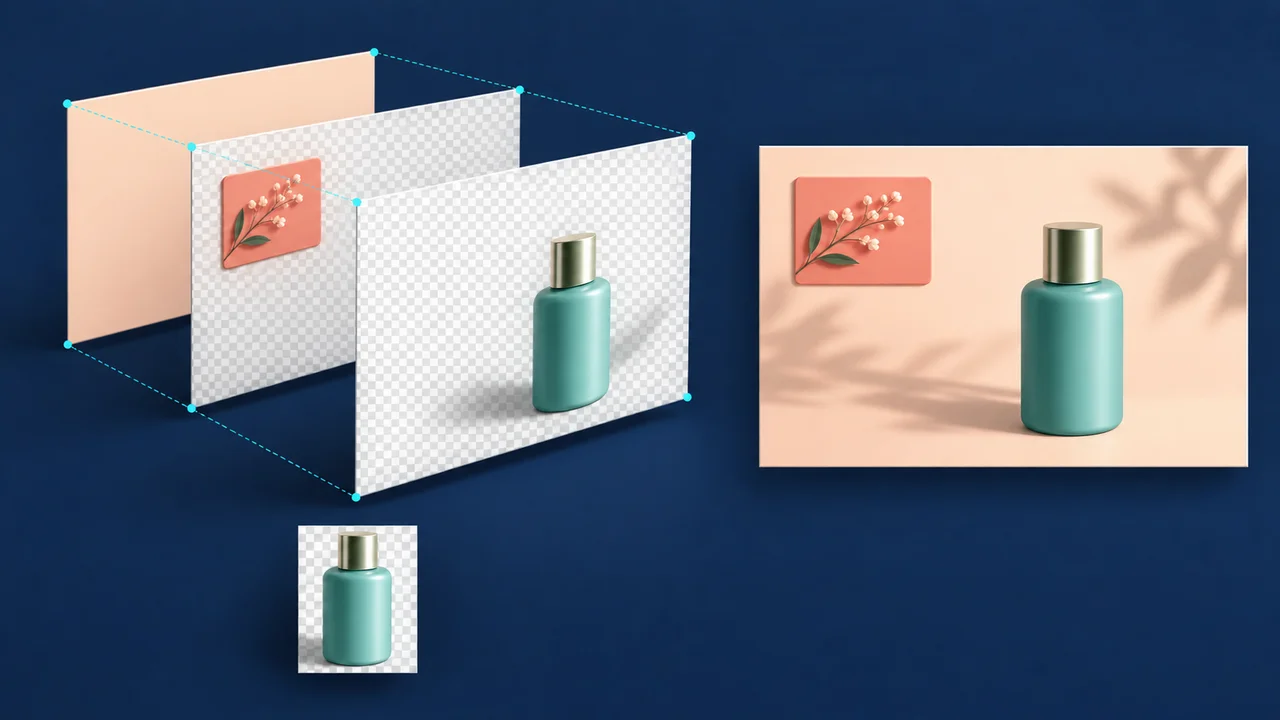
How to Keep PNG Layers Aligned After Image to PSD Conversion
Prevent exported PNG layers from shifting by preserving canvas dimensions, checking transparent margins, and testing placement before handoff.
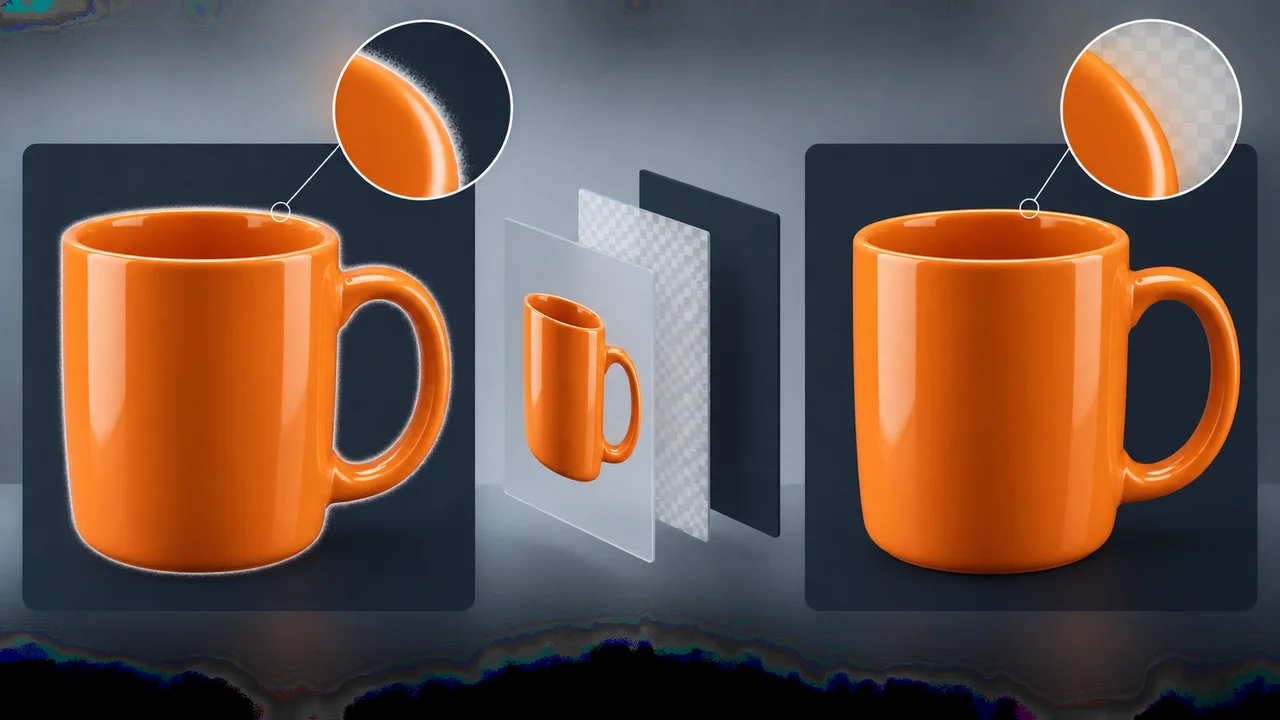
How to Remove White Halos After Extracting Objects from an Image
Fix pale fringes around extracted objects with targeted Photoshop cleanup, background checks, and a practical test before reusing your transparent layers.
How to Convert an Image into Multiple Layers
A practical guide to turning flat images into editable layers with AI layer decomposition, Photoshop, Canva, and background removal tools.
How to Separate Objects from an Image
Learn how to separate people, products, backgrounds, shadows, and design elements from a single image using AI tools and manual cleanup.
How to Extract Objects from an Image
A practical guide for extracting reusable objects from images for design, ecommerce, social content, and editable image workflows.